
Maintenance Management
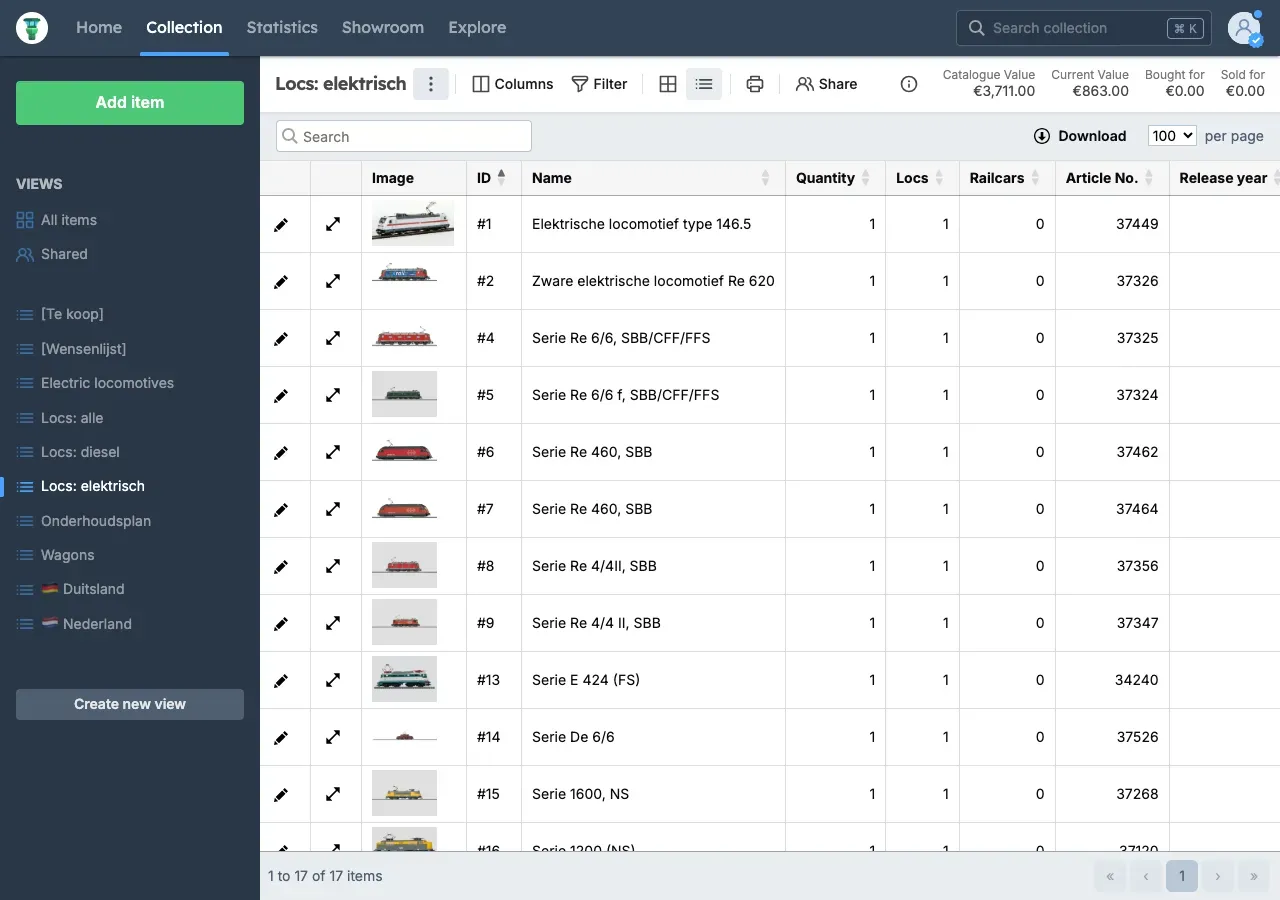
For maintenance management of model trains, you can enter a maintenance date for each item. In the view where the table layout is active, you can see this maintenance date when this column is selected.
Notifications will automatically appear when maintenance needs to take place soon or when the maintenance date is in the past.
Creating a Maintenance Schedule
Section titled “Creating a Maintenance Schedule”- Go to Collection.
- Click New View in the bottom left.
- Enter Maintenance Schedule as the name → click Add View.
- Optionally adjust the columns and/or filter of this view. Make sure the Maintenance Date column is selected.